The problem
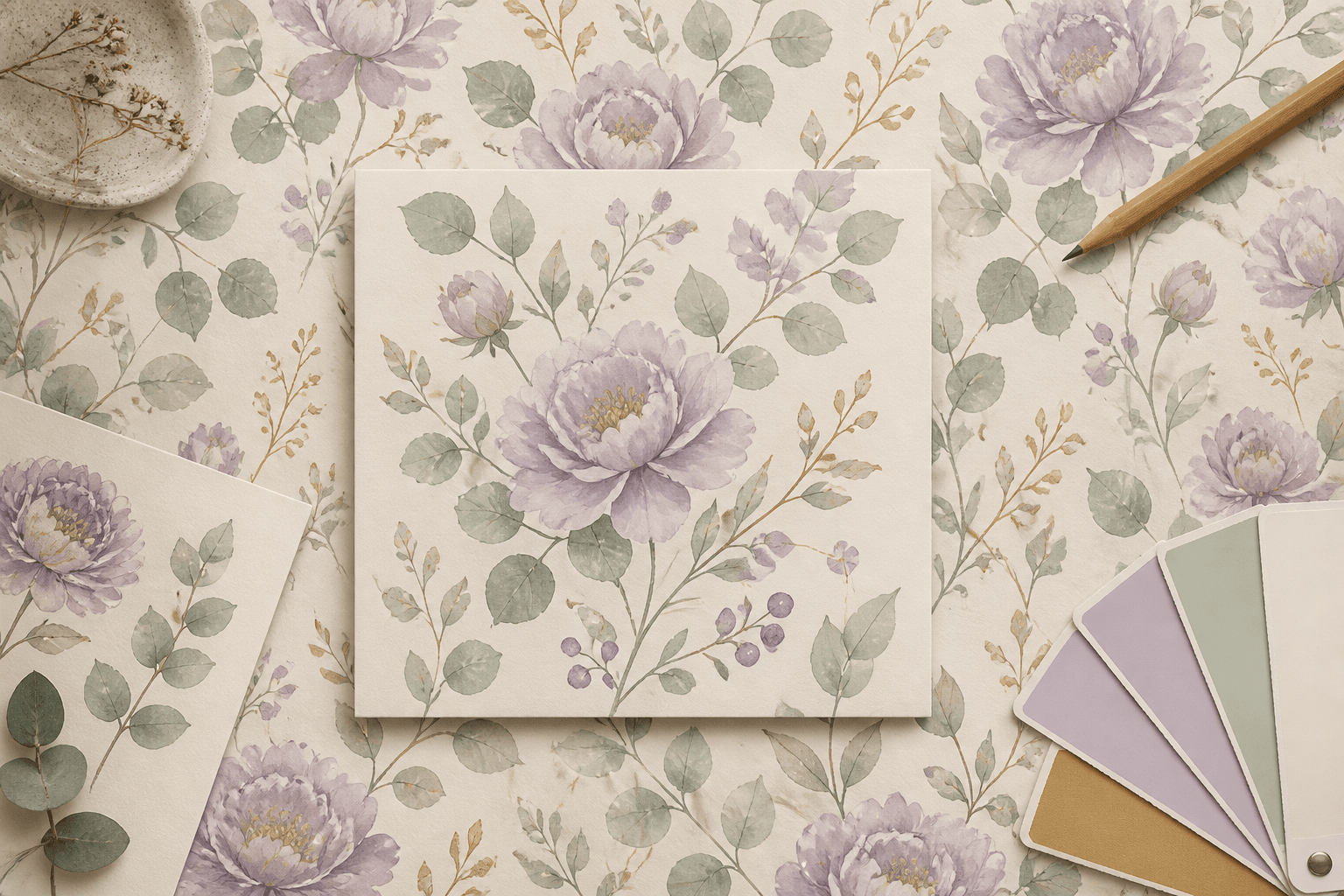
You design a pattern — or generate one with AI — and it looks great on screen. Then you tile it and discover an ugly seam running right through the middle. You fix it, re-export, re-tile, and there's another seam. This loop can eat an entire afternoon.
And even before that — getting the tile dimensions right for print is its own headache. What canvas size for a 10 cm motif at 300 DPI? How many tiles fit on an A4? You end up juggling a calculator, Photoshop, and a spreadsheet.
I built this tool to kill both loops.
解決什麼問題
你設計了一張圖案——或者用 AI 生了一張——螢幕上看起來很完美。結果一拼接,正中間跑出一條醜到不行的接縫。修好、重新匯出、再拼接,又有另一條。這個迴圈可以吃掉一整個下午。
而在那之前,光是算畫布尺寸就夠煩了:10 公分的 motif 在 300 DPI 下要幾像素?A4 塞幾個 tile?你得在計算機、Photoshop 和表格之間反覆切換。
我做這個工具,就是為了一次終結這兩個迴圈。
Two modes, one workflow
兩個模式,一個流程
Compose 組合模式 — 從零開始建立無縫 tile。
把 motif 素材拖進畫布,用類似 Figma 的操控把手移動、縮放、旋轉。右側即時顯示重複拼接預覽——每動一下就能看到最終效果。支援 10 種重複模式(Grid、Half-drop、Hexagonal、Diamond、Mirror 等),還有 Poisson Disk 自動散佈讓 motif 均勻分布。
Inspect 檢視模式 — 檢查既有的 tile。
丟一張 PNG 或 JPG 進來,系統自動偵測尺寸和 DPI。選擇拼接模式看平鋪效果,開啟 Seam Heatmap 直接用熱力圖抓出接縫問題。
Print size calculator
印刷尺寸計算器
不用再手動算了。輸入實體尺寸(10cm)和 DPI(300),工具自動算出畫布要多少像素(1181px)。常用印刷尺寸一鍵套用:5cm、10cm、15cm、20cm @300dpi。
在檢視模式也能反過來設定:指定每個 motif 要印多大,自動計算需要幾個 tile。
My favorite feature
Seam Heatmap。把圖案邊緣的色差用熱力圖標出來——紅色代表接縫明顯,藍色代表平滑。比肉眼抓接縫快十倍,而且不會漏掉。
調低 threshold 可以抓到更細微的問題。我通常先用中間值快速掃一遍,有問題再調嚴格。
Print-ready PDF with bleed
含出血的印刷 PDF
PDF 匯出新增「含出血 3mm」勾選項。勾選後,輸出的 PDF 四邊各多 3mm 出血區域,並自動畫上裁切標記(trim marks)。廠商拿到檔案可以直接上機印刷,不需要再手動加出血。
Color palette extraction
色彩摘要
上傳圖片後,系統自動提取主要色。演算法把像素分到 8 個色系桶(中性、粉紅、暖色、黃、綠、青、藍、紫),每個桶獨立做 k-means 聚類——確保少數色系不會被大面積顏色吞掉。
每個色塊顯示 HEX 色碼和佔比百分比,點擊就能複製色碼。對色、報價、和廠商溝通顏色都方便。
Dimension overlay
尺寸標註
在進階設定勾選「顯示尺寸標註」,畫布上方和左側會出現紫色標註線,標示每個 tile 的實體尺寸(cm)。不用再心算 pixel ÷ DPI 了。
Spec sheet PDF
規格表
一鍵匯出 A4 規格表 PDF,包含:
- Tile 縮圖 + 3×3 重複預覽
- 完整規格:像素尺寸、實體尺寸(cm/in)、DPI、重複模式
- 色彩摘要色塊
交付給廠商時附上這一張,省掉來回確認尺寸和顏色的時間。
Export everywhere
匯出到任何裝置
PNG 和 PDF 匯出都有 DPI 控制,直接拿去印。
在 iPhone 或 iPad 上?匯出會自動跳出系統分享選單,點「儲存圖片」就能存到相簿。不用再截圖或想辦法下載了。
Who needs this
- 做重複圖案的設計師(布料、包裝紙、壁紙)
- 插畫師想從零組合 motif 成無縫 tile
- 用 AI 生成圖案,需要確認是不是真的無縫
- 要直接匯出印刷檔,需要精確控制實體尺寸和 DPI
所有處理都在瀏覽器本地完成,圖片不會上傳到任何地方。