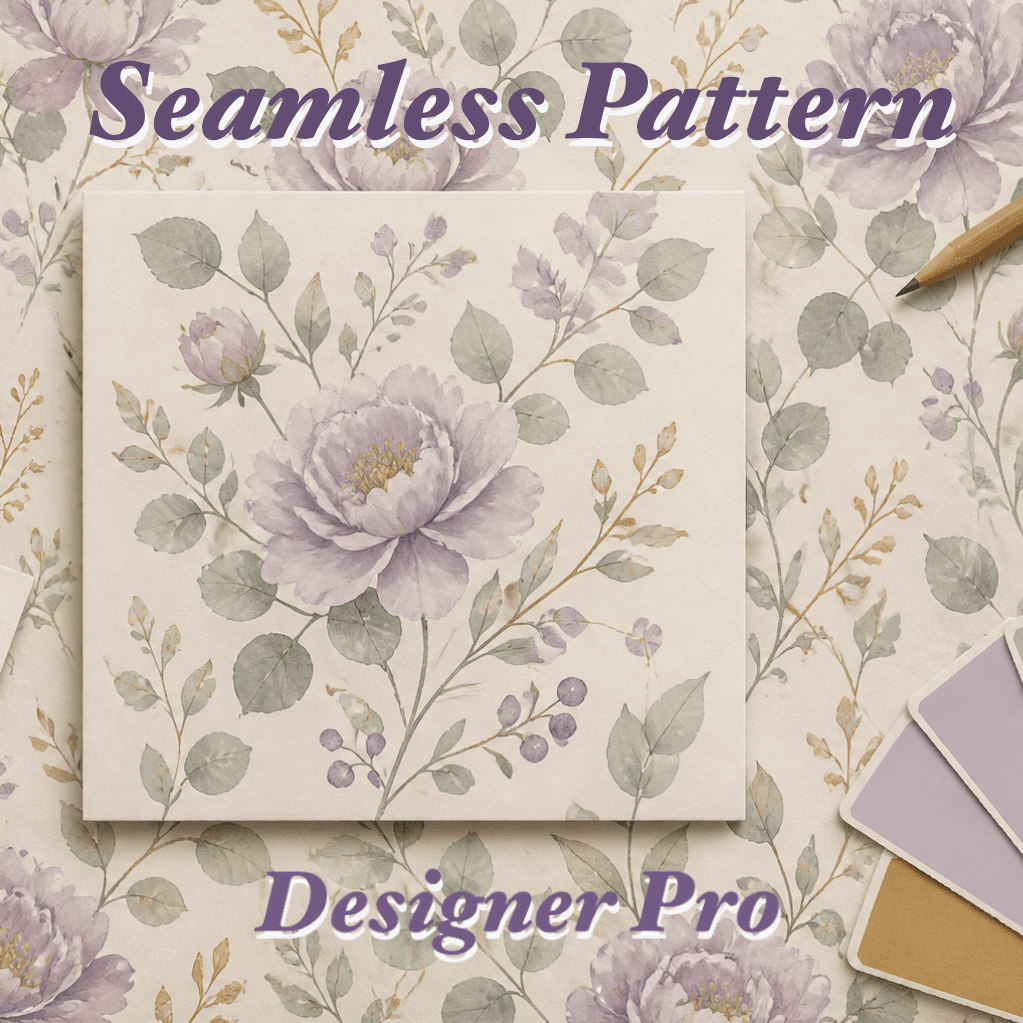
A dual-mode tool for seamless pattern design: Compose motifs into tiles with Figma-style editing, then Inspect tiling quality and export print-ready files. Runs entirely in the browser.
What is Seamless Pattern Designer PRO?
A professional browser-based tool with two workflows:
- Compose Mode — Drag-drop motif images onto a canvas, arrange layers with move/scale/rotate handles, and see the seamless repeat update in real-time. Supports Poisson Disk auto-scatter, color adjustments, and smart snap alignment.
- Inspect Mode — Upload an existing tile, check tiling quality with seam heatmaps, and export print-ready PNG/PDF with precise DPI control.
No server uploads — all processing happens locally in Canvas API.
Who is this for?
- Pattern designers building fabric, wrapping paper, or wallpaper repeats
- Illustrators composing motifs into seamless tiles from scratch
- AI image creators verifying whether generated images tile correctly
- Anyone preparing print-ready output with exact physical dimensions
Core Features
Compose Mode
- Layer-based editing: Drag-drop PNG motifs, Figma-style handles (move, scale, rotate)
- 10 repeat modes: Grid, half-drop, half-brick, mirror, hexagonal, diamond, horizontal-only
- Print size calculator: Input physical size (cm/mm/in) + DPI → auto-set canvas pixels. Presets for common print sizes (5cm/10cm/15cm/20cm @300dpi)
- Auto-scatter: Poisson Disk Sampling to distribute motifs evenly
- Undo/Redo: 50-step history with Ctrl+Z/Y
- Project save/load:
.spcproject files with embedded images
Inspect Mode
- Tiling check: Grid, half-drop row/column modes with mirror and offset preview
- Seam heatmap: Color overlay showing edge differences to locate problem seams
- Output settings: Width/height in px/in/cm, DPI control, tile count, common presets (A4/A5/postcard)
- Motif size control: Set desired physical size per motif, auto-calculate tile count
Export
- PNG/PDF export with DPI metadata and anti-seam processing
- iOS save-to-photos: On iPhone/iPad, export triggers the native share sheet — tap "Save Image" to save directly to photo album
- Upscale: Auto-upscale when source resolution is insufficient for print
Workflow
Compose → Export
- Set canvas size via print presets or calculator (e.g. 10cm @300dpi)
- Drop motif images onto the canvas, arrange layers
- Choose repeat mode, check real-time tiled preview
- Export single tile or tiled repeat image
Inspect → Export
- Upload an existing tile (PNG/JPG)
- Select tiling mode, check repeat with seam heatmap
- Set output dimensions, DPI, and tile count
- Preview, then export PNG/PDF
Keyboard Shortcuts
Compose: Delete = remove layer, Ctrl+D = duplicate, Ctrl+Z/Y = undo/redo
Inspect: P = preview output, E = export PNG, R = reset view