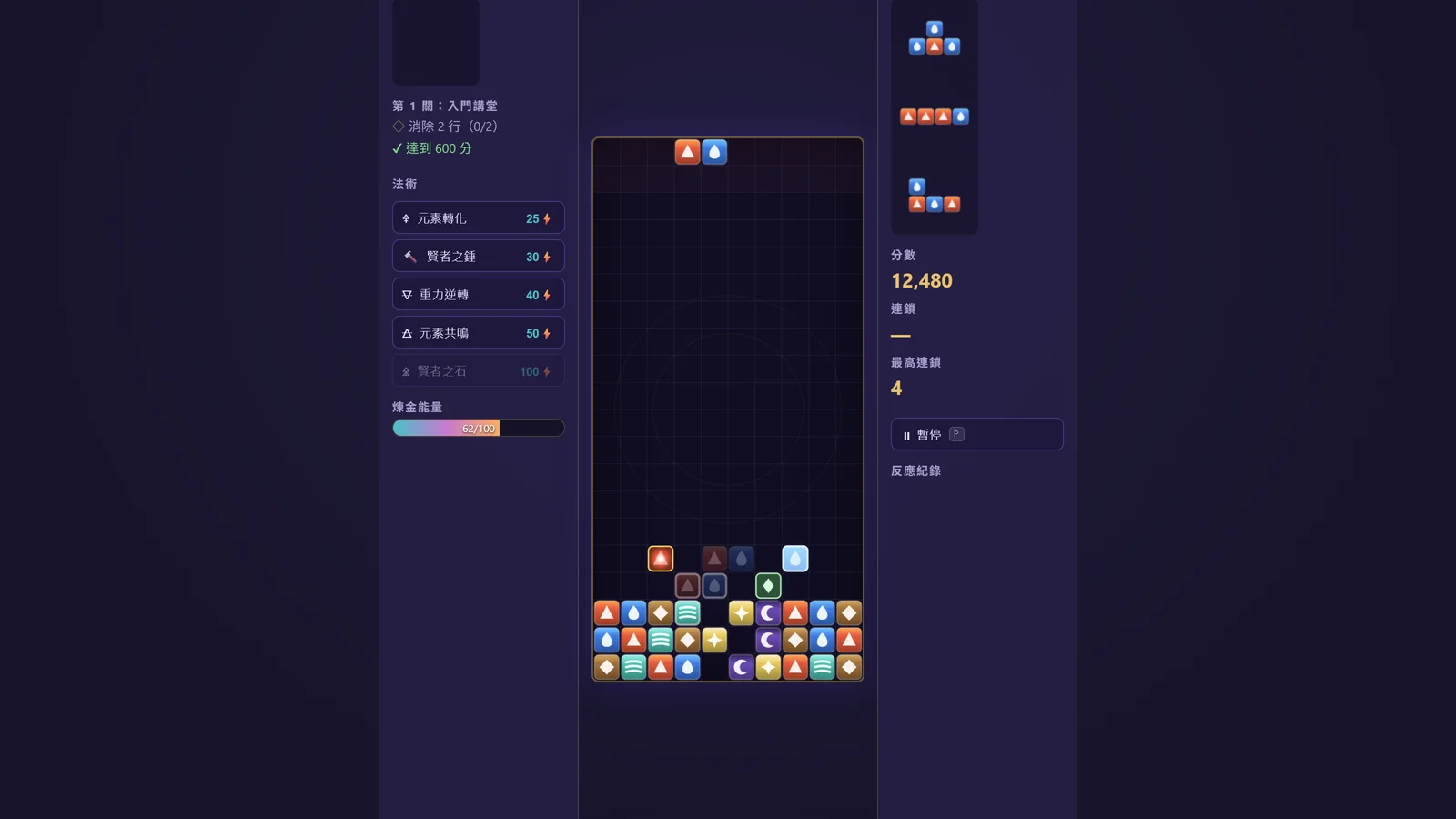
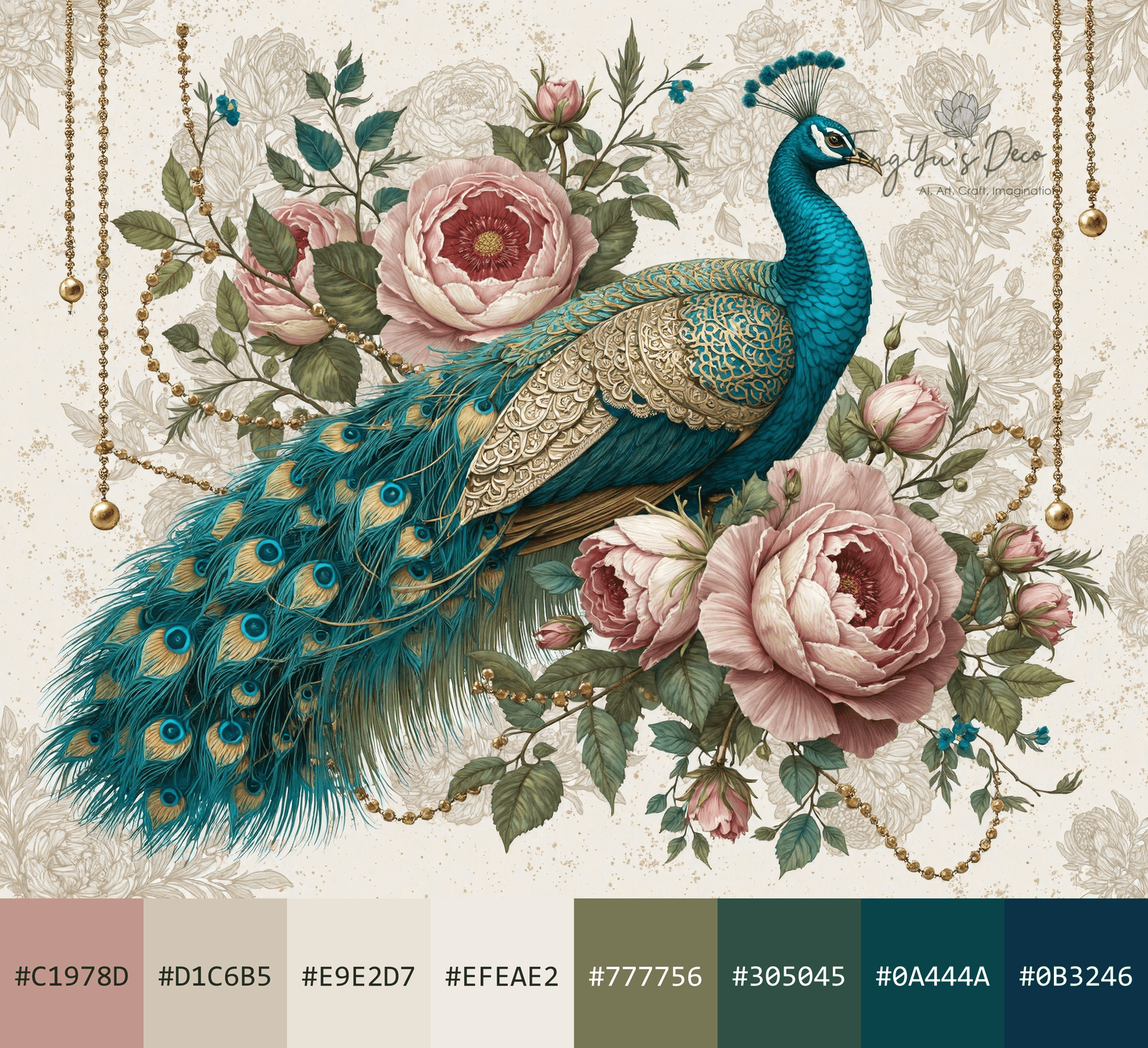
Upload an image and instantly extract a curated 8-color palette — rendered as a Design Seeds-style composite with hex labels.
How It Works
- Drag & drop or click to upload any image (JPG, PNG, WebP)
- Colors are extracted in-browser — no upload to any server
- Click any swatch to copy the hex code to clipboard
- Toggle the logo watermark on/off, then download the composite PNG
Algorithm
The extractor uses hue-bucketed K-means clustering — the same algorithm behind the offline Python tool:
- Resize to a 300px thumbnail for fast processing
- Classify every pixel into 8 hue buckets (neutral, pink, warm, yellow, green, cyan, blue, purple)
- Run K-means within each bucket in HSV-scaled feature space
- Greedily select colors to maximize hue diversity — so small accent colors (like a rose petal pink or sage green) aren't drowned out by a large background
This ensures that a painting with 90% beige background and 3% purple accents still gets purple in the palette.